AI Developer Tools
YoshiiCode
A local-first coding workspace designed for focused development, contextual review, and approval-driven actions.
Founder | Product Designer | Engineer · In Development · TypeScript · React · Tailwind CSS · Node.js · Vitest · Playwright
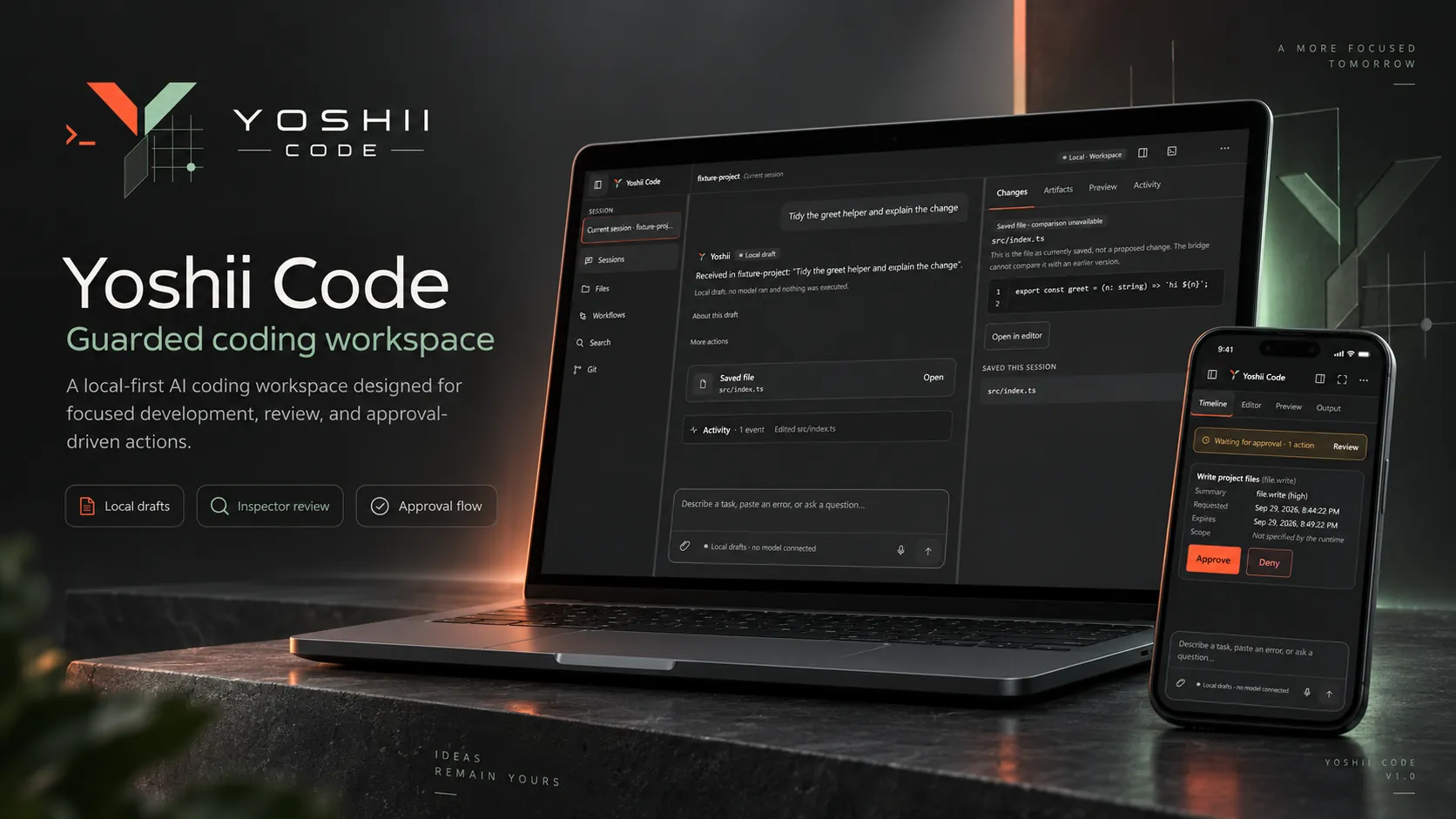
01 / Overview
Project notes
Problem
Modern coding agents are powerful, but complex interfaces and hidden execution paths can make it hard to see what an agent is doing, what changed, and when a sensitive action will run.
Build
One focused workspace that brings conversation, project context, file review, activity, and guarded actions together, so the coding agent is not an isolated chat window.
Result
An active personal product project, in development. Current work strengthens the core workflows, the security boundaries, agent integration, and the overall developer experience.
02 / Product
Inside the workspace
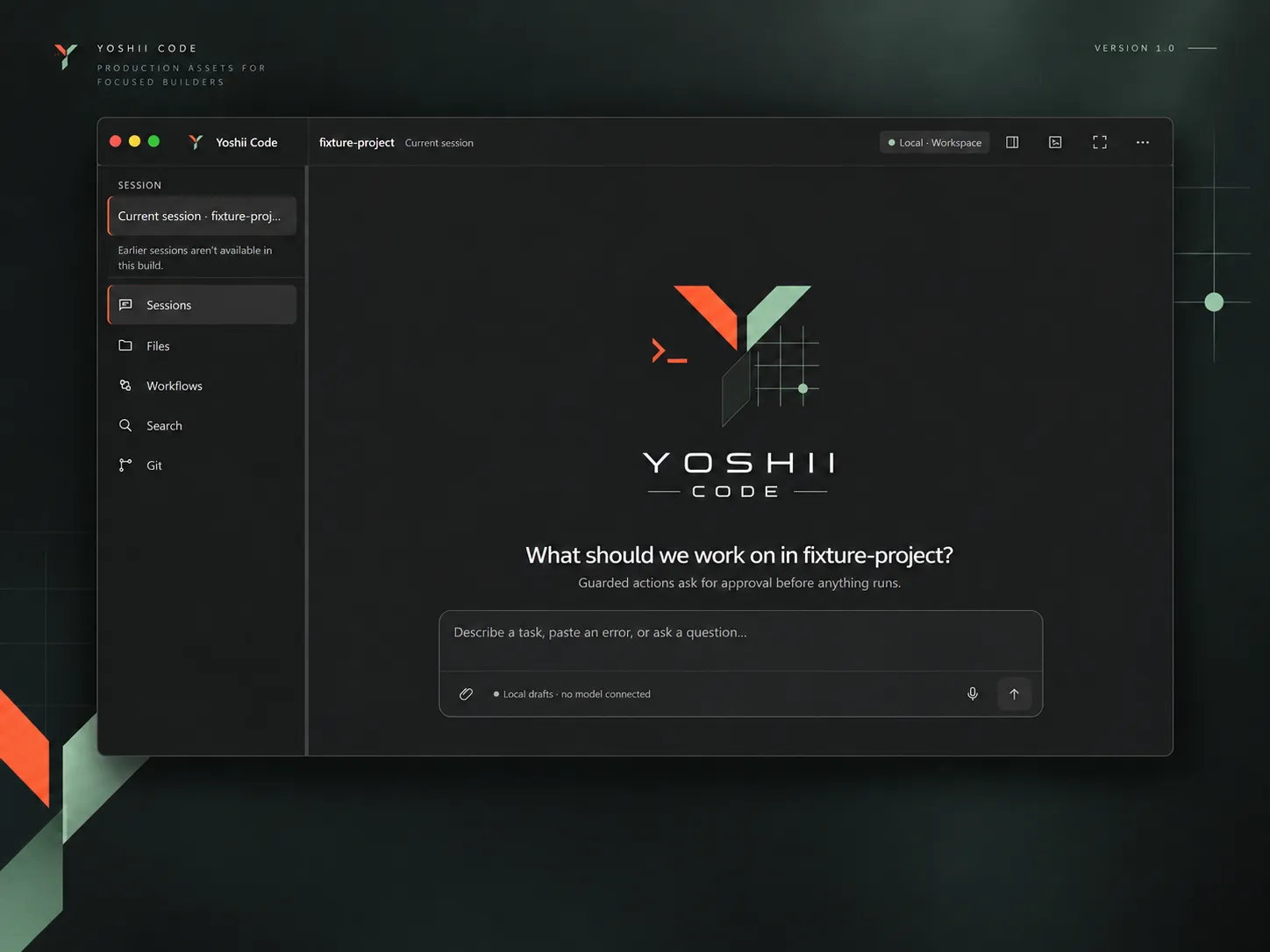
A workspace that stays focused
The interface centers the conversation and the current project. Sessions, files, workflows, search, and Git stay one step away in the sidebar, and the task entry sits in the middle of the screen instead of behind a wall of permanent tools.
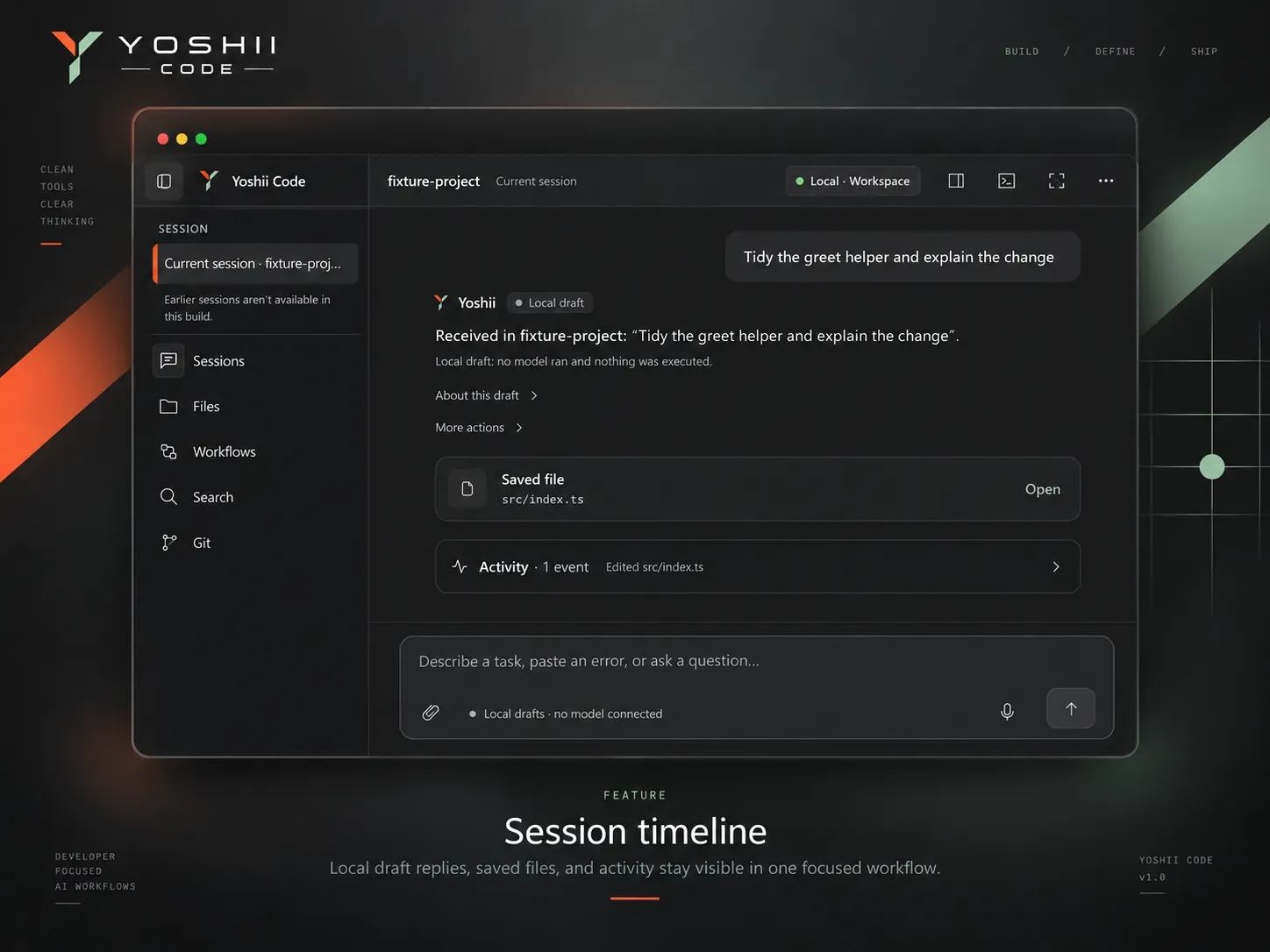
One session, one timeline
Replies, saved files, and activity stay in a single conversation, so it is clear what happened in the session and what was touched.
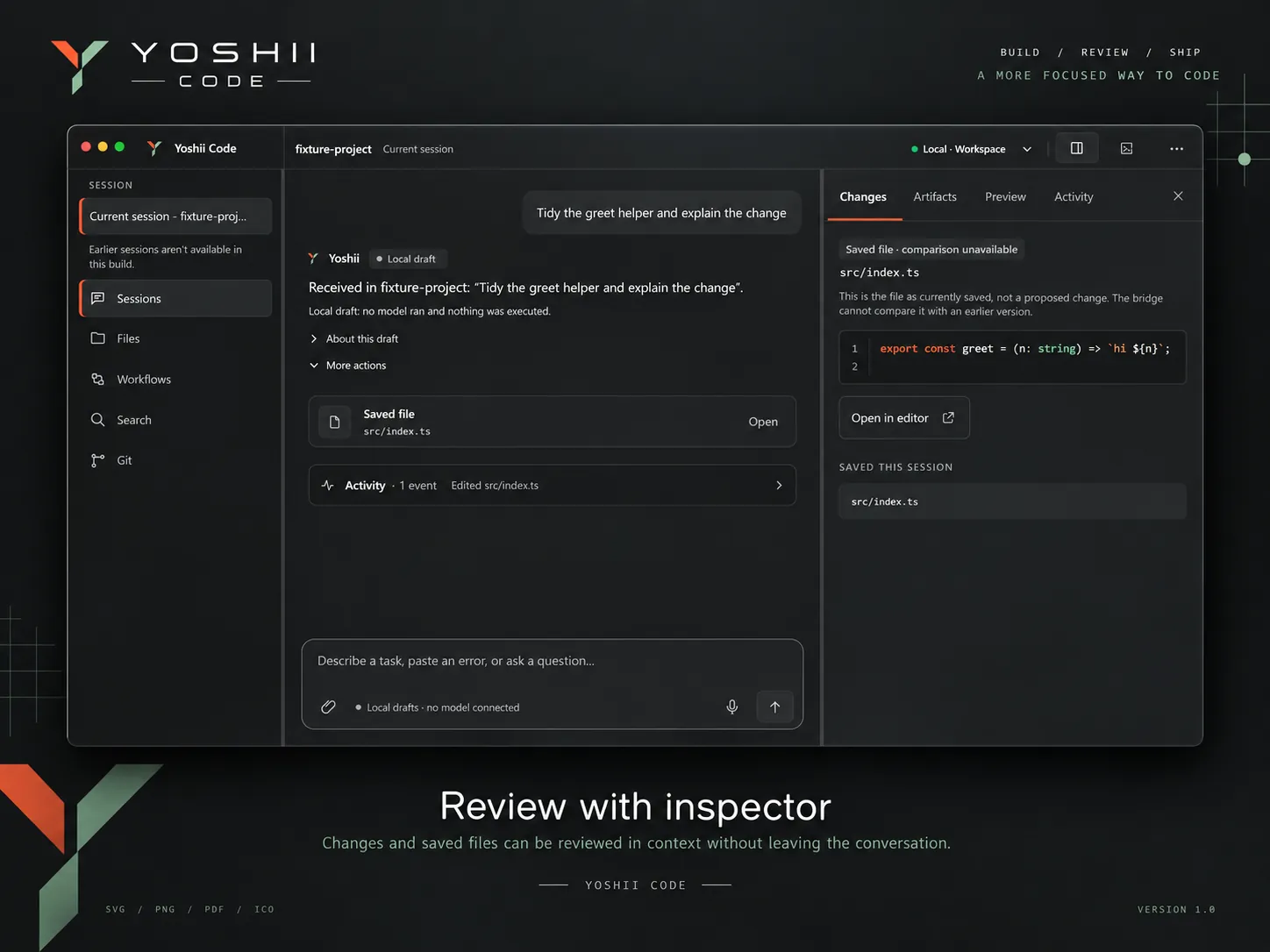
Review before action
An inspector opens beside the conversation with Changes, Artifacts, Preview, and Activity views, so files can be reviewed in context and closed again when they are not needed.
Sensitive actions stay visible
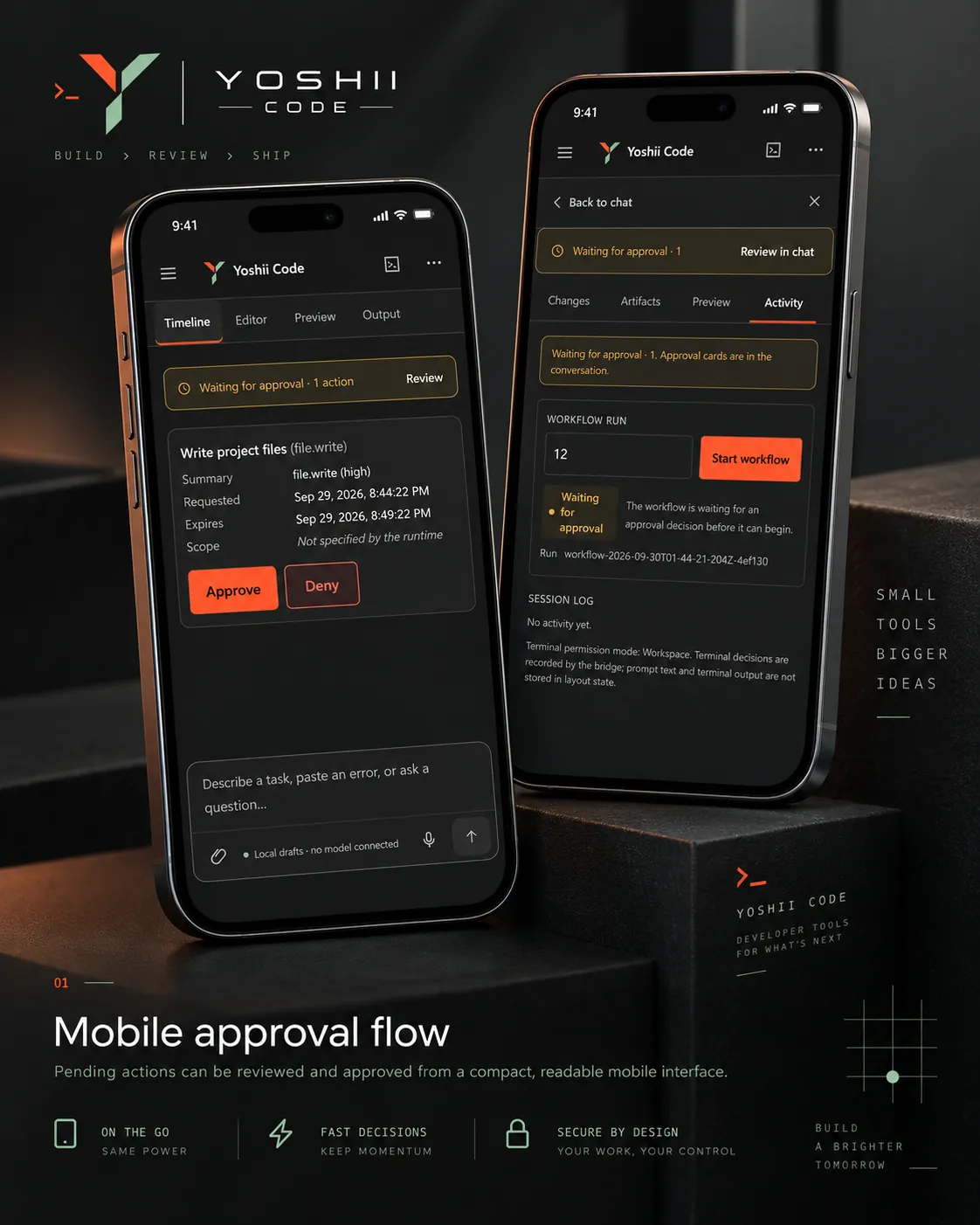
Approval is part of the product, not a hidden implementation detail. An operation that crosses a defined trust boundary stops, explains what it wants to do, and waits for an explicit decision. If the approval service is not available, the action stays blocked rather than running by default.
Review from smaller screens
The responsive layout keeps the conversation, the action's context, the review state, and the approve or deny decision readable on a phone-sized screen.
03 / Principles
Product principles
Conversation first
The workspace starts with the task rather than a wall of permanent tools.
Context when needed
Files, changes, artifacts, activity, and review surfaces appear when they add value.
Guarded execution
Sensitive operations are designed around explicit approval boundaries and visible execution state.
Local first
The workspace is built around local project ownership while supporting controlled external integrations.
Progressive power
Advanced capabilities stay available without dominating the everyday interface.
04 / Stack
Technologies
05 / Role
My role
Founder, product designer, and engineer: product direction and architecture, UX and interface design, design-system direction, security and approval-workflow design, frontend implementation direction, developer workflow design, and the testing and validation strategy.